Profile
Manage your personal profile information and customize application preferences: map behavior and discovery filters.
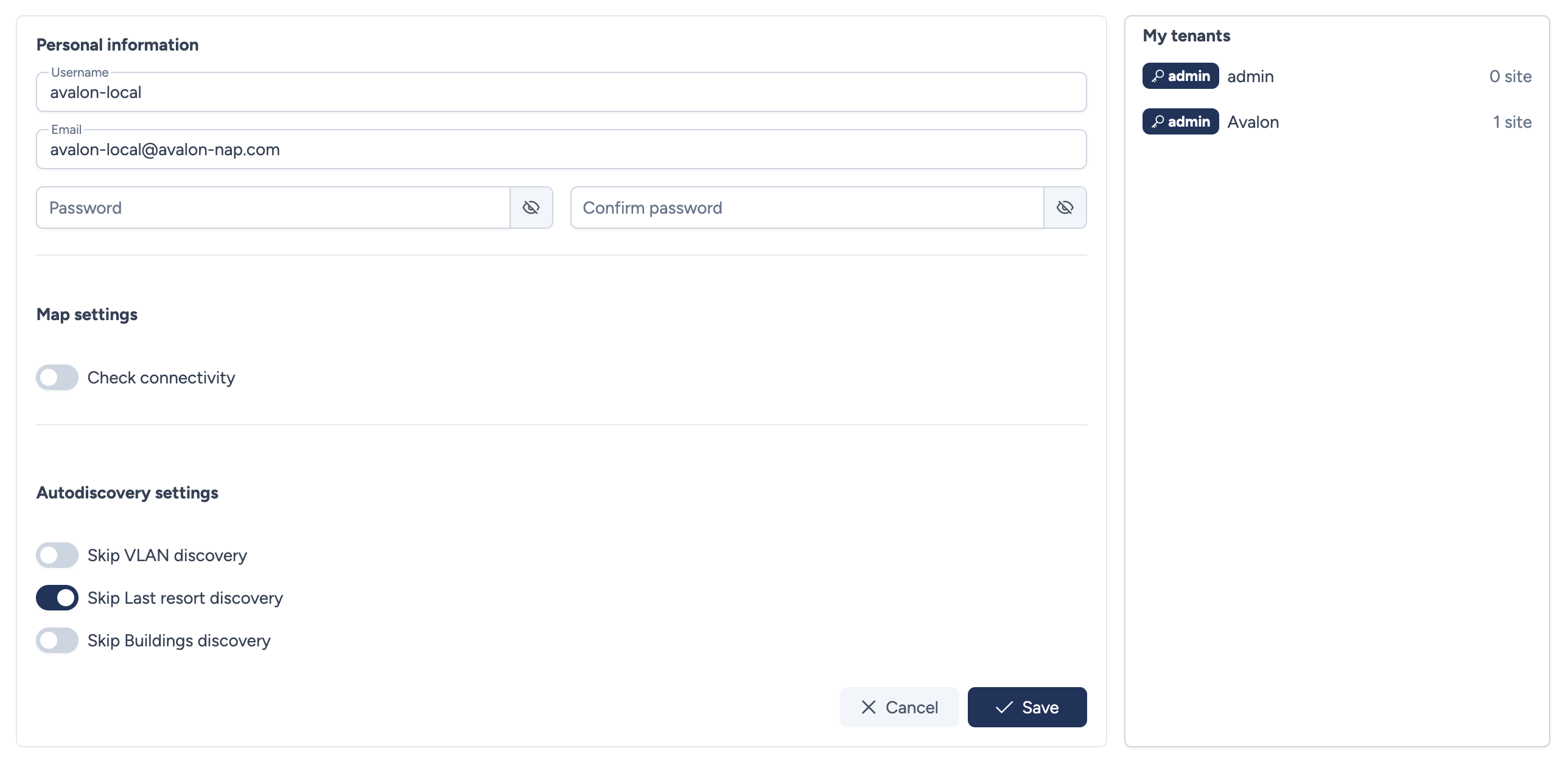
Configuration parameters
This section covers your account details and global application settings.
Personal information
- Username: The login name for your account (e.g.,
avalon-local). - Email: The email address associated with the account.
- Password: Enter a new password to change your login credentials.
- Confirm password: Confirm the new password.
Map settings
- Check connectivity: Toggle to enable or disable automatic connectivity checks on network maps.
Autodiscovery settings
These options allow you to exclude specific data types from the network discovery process to speed up operation or reduce noise.
- Skip VLAN discovery: If enabled, VLAN information will be ignored during discovery.
- Skip Last resort discovery: If enabled, "last resort" routes or gateways will not be discovered.
- Skip Buildings discovery: If enabled, physical building information will be skipped.
- Accept single-sided neighborships (CDP, LLDP, LACP): If enabled, a neighborship advertised by only one of the two devices is enough to create the link.
Neighborships advertised by a single side
This last option addresses devices that filter incoming CDP and LLDP frames, HP Comware set to
bpdu-drop any for instance: their neighbors cannot confirm the link, which then does not show
on the map although it really exists.
It is disabled by default, detection from both sides remaining the rule. Turn it on only if links are missing after a discovery.
My tenants
The right-hand panel lists the tenants to which you have access.
- Tenant list: Displays the name of each tenant (e.g.,
admin,Avalon) and the number of sites currently managed within that scope.
Actions
- Cancel: Discards any unsaved changes.
- Save: Applies the updated settings to your profile.