Connect to Avalon
You will use the admin account to connect to Avalon the first time.
Mandatory input
login: admin
password: avalon
Avalon requires this password to be changed on the first login.
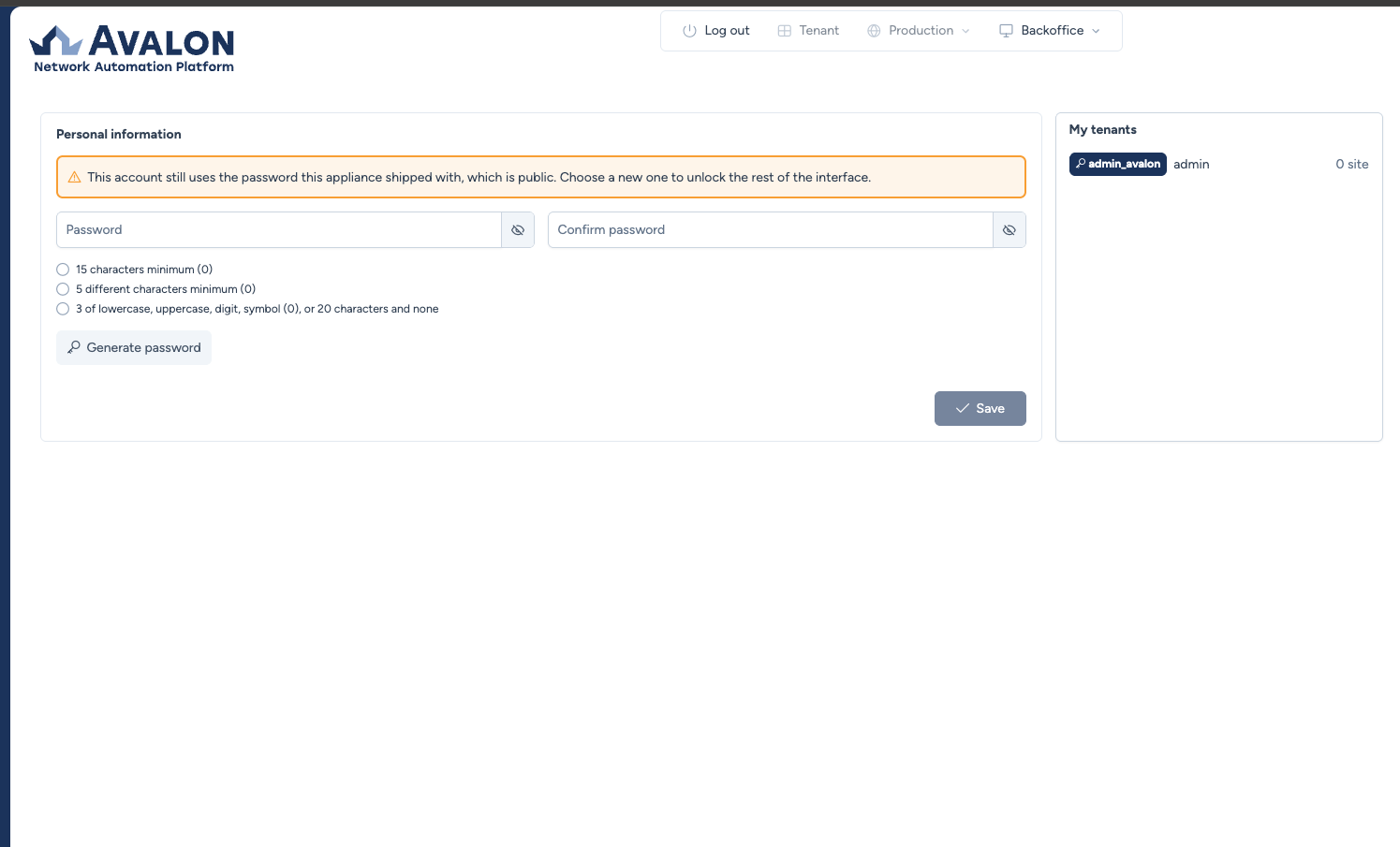
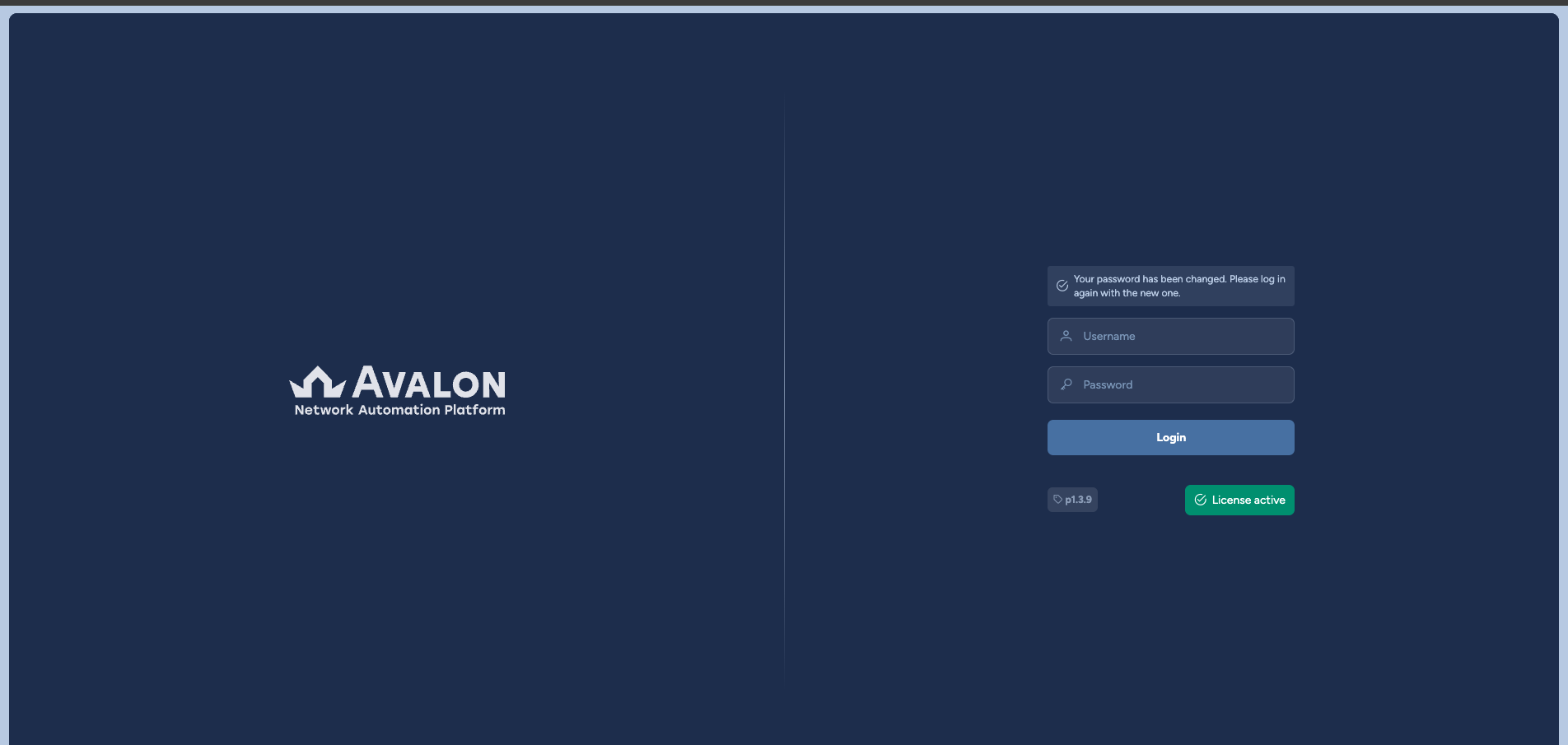
The rest of the interface stays out of reach until that password is replaced. Once saved, Avalon asks you to sign in again with the new one:
The admin account is mostly used during initial configuration of Avalon as you will be able to grant new users with admin privileges.
It can only reach the admin tenant, a notion the next section explains. Since that is its only tenant, there is nothing to pick: signing in takes you straight to the Backoffice, its home page.
The admin tenant has no production
The Production tab, which gives access to maps, inventory and services, is disabled in the admin tenant: it holds no network asset. Only the Backoffice, with Administration and Profile, is available there.

Move to service account creation!
Before creating a tenant, you need a service account. Head to the next section.